Prefx

The Insight
On-set screens like phones, tablets, and TVs are a massive, silent drain on production budgets. Directors either resort to dead screens that give actors absolutely nothing authentic to react to, or productions spend thousands in post-production on meticulous VFX tracking and screen replacements. Beyond the visual hurdles, legal clearances present a constant headache because studios risk major trade dress liabilities if a character uses a recognizable, branded UI in a negative light.
The Strategy & Product Innovation
As a director who bridges tech and filmmaking, I built the tool the industry was missing. I concepted, designed, and launched prefx under baffe, which is a professional, Apple-featured iOS app that transforms mobile devices and external displays into high-fidelity, interactive digital props.
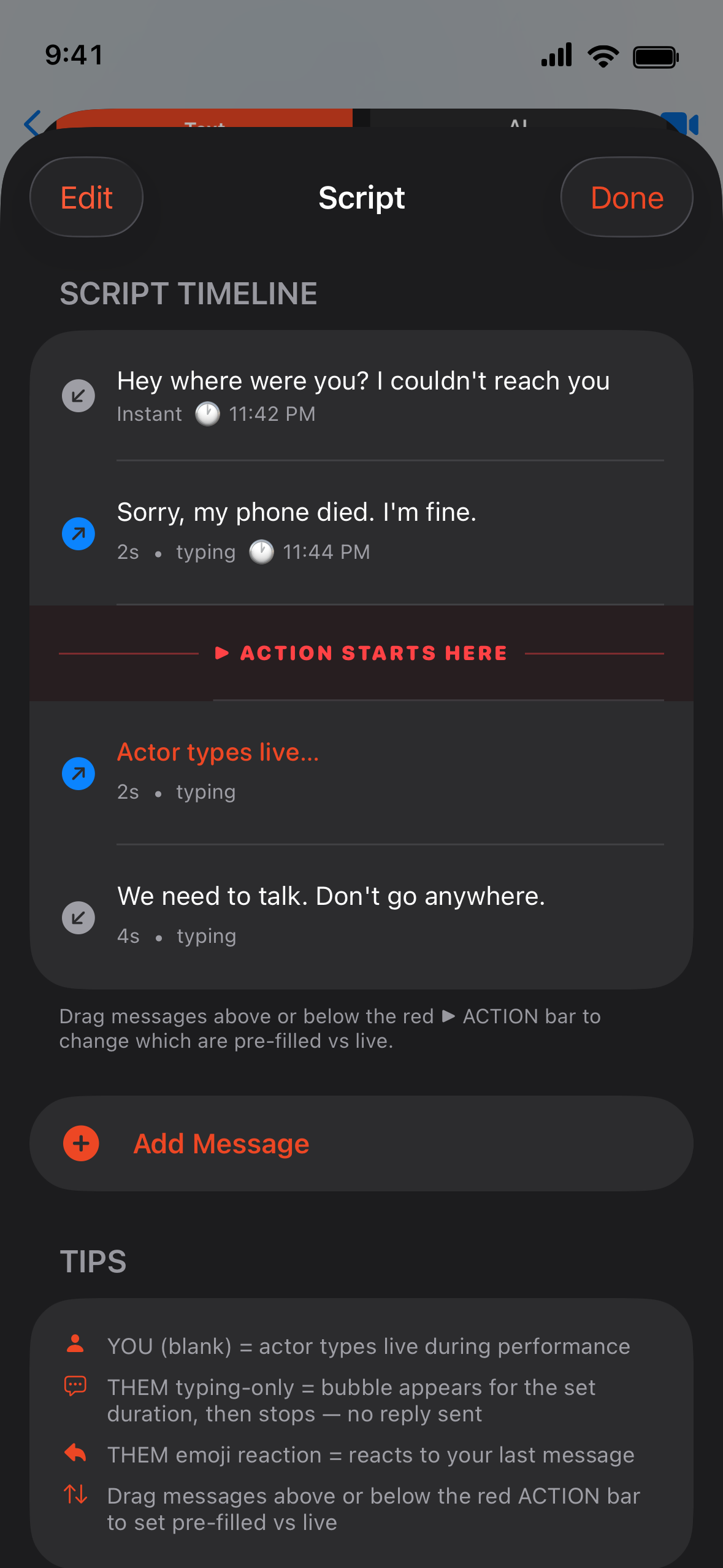
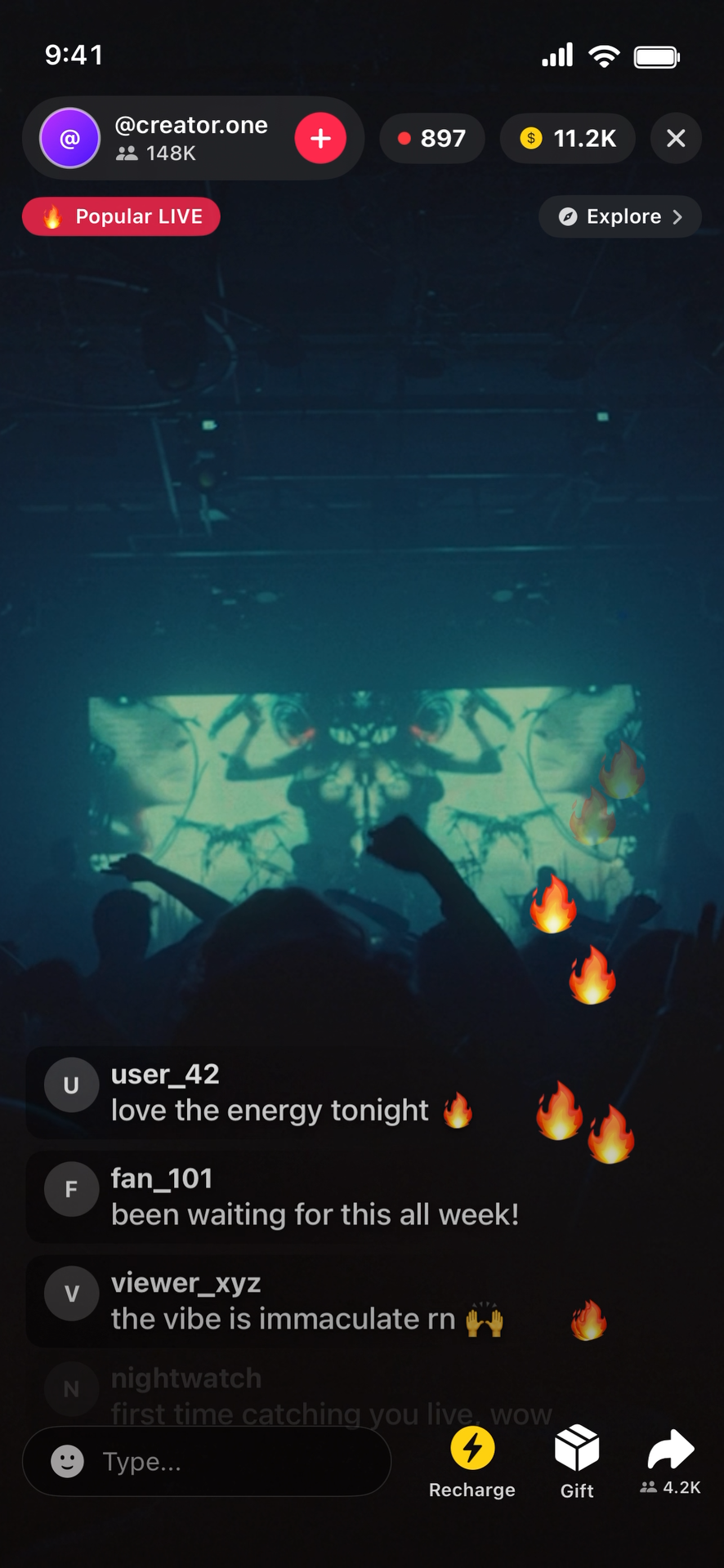
Interactive Narrative Modules: I directed the UX architecture for a robust library of realistic simulations, allowing talent to scroll through live social media feeds, host fake live-streams with scrolling comments, browse media streaming UIs on a TV, and execute pre-programmable, scripted text messaging layouts that change with an actor's typing rhythm.
The Legal Clearance Gamechanger: To solve the legal clearance bottleneck, I designed a global, one-tap Clearance Toggle. Production can instantly flip the app from Hero Mode with native, brand-consistent layouts to Villain Mode, which provides a 100% brand-neutral, open-source interface designed for antagonists or high-risk clearances.
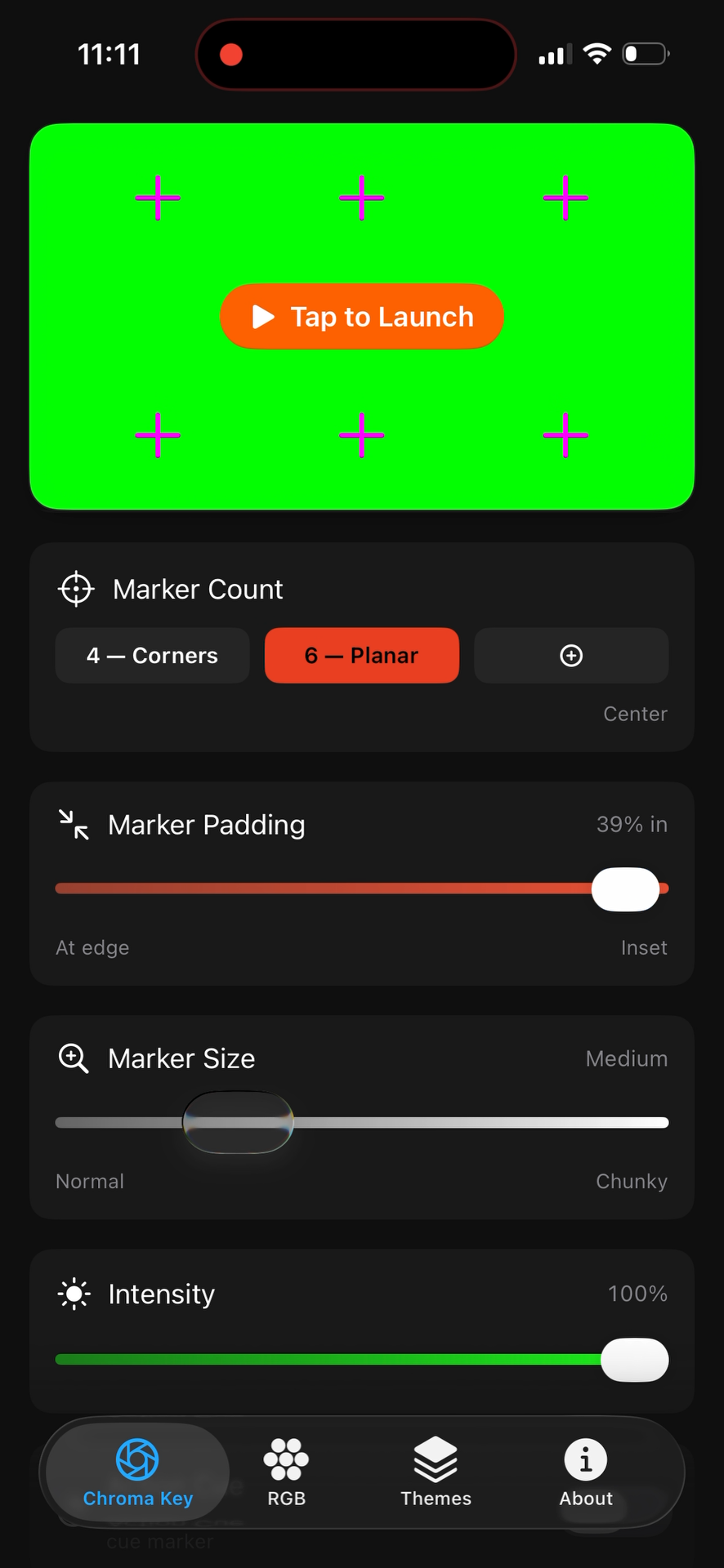
Built-in VFX & Utility Controls: To satisfy post-production teams, the application features integrated chroma key backdrops, real-time adjustable tracking markers, camera-safe saturation sliders to prevent sensor blowout, and custom status bars to enforce absolute continuity across take after take.
-
![A can of Sprite Cherry flavor falling into water, creating splashes, with two cherries on both sides of the can against a dark background.]()
Stiller's
-
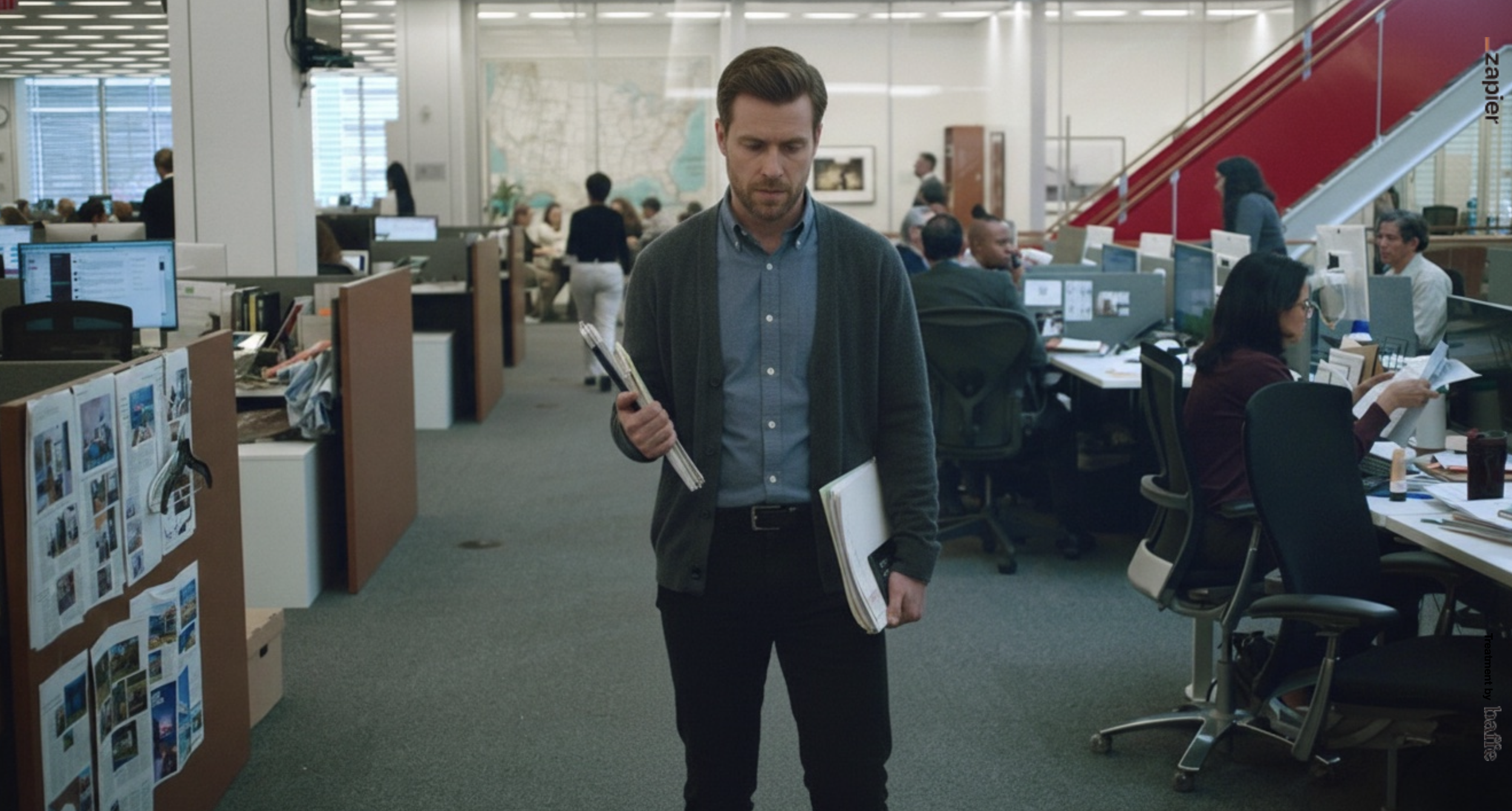
![A man with brown hair, wearing a blue shirt and gray cardigan, walking in an open office space while carrying a stack of papers and folders.]()
Zapier
-
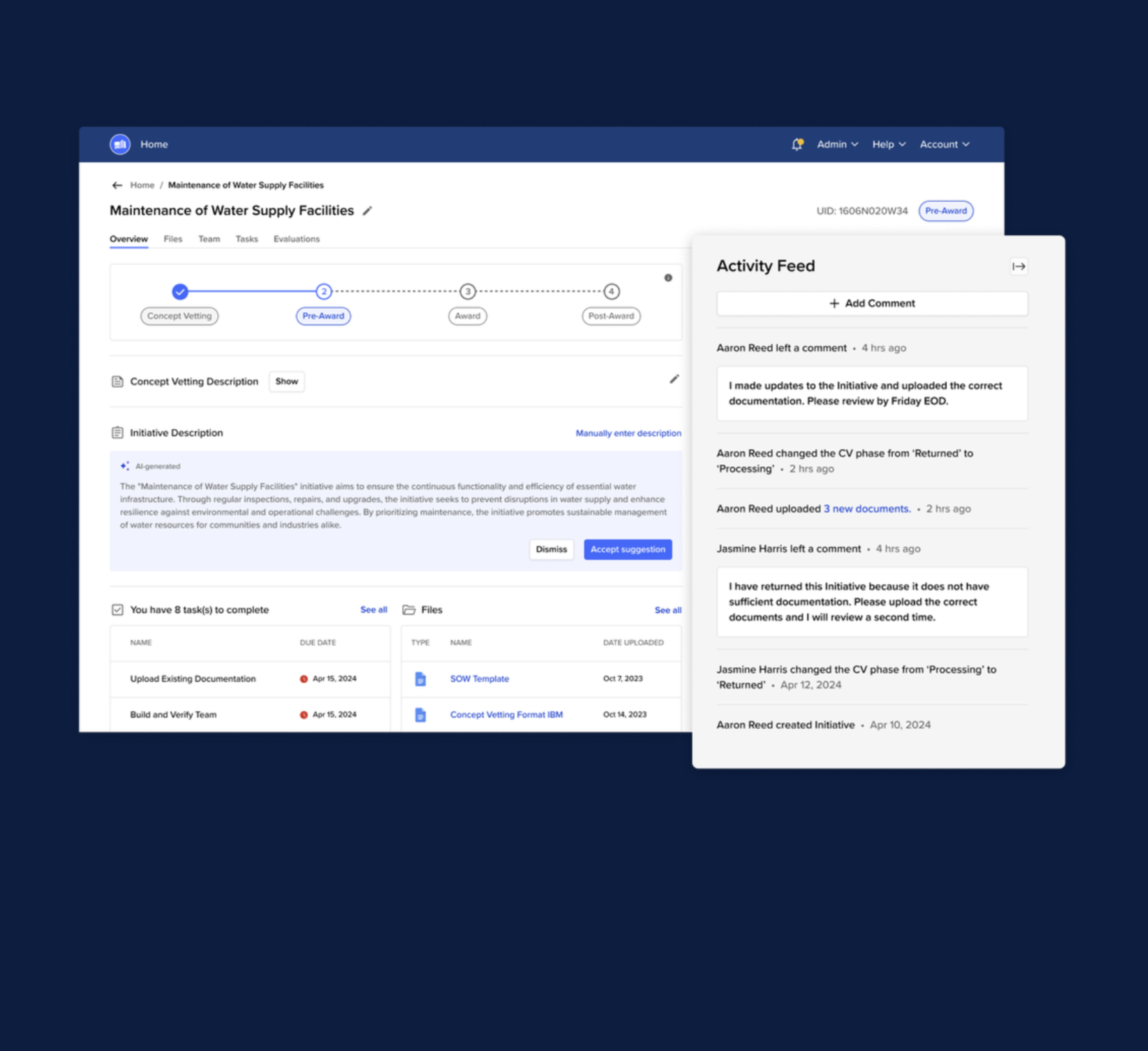
![Screenshot of a project management dashboard for maintenance of water supply facilities, showing task status, activity feed, and document uploads.]()
Bidscale
-
![Costumed purple monster with big eyes, sharp teeth, and spiky decorations on its arms standing in front of a fireplace with a person watching on a television screen in the background. The screen shows a black and white image of a woman sitting on a couch. The text overlay reads 'ZAP AWAY! AirZAP.']()
AirZap
-
![A man with glasses sitting on a tan couch, wearing a pink shirt, with artwork on the wall behind him, partially obscured by a plant in the foreground.]()
Houseplant



Contact
202-436-5999